Web app interfaces that explain complex workflows with more clarity.
For SaaS, portals and custom web applications, the inquiry page needs to do more than look attractive. It should help prospects understand the workflow and feel confident about the build direction.
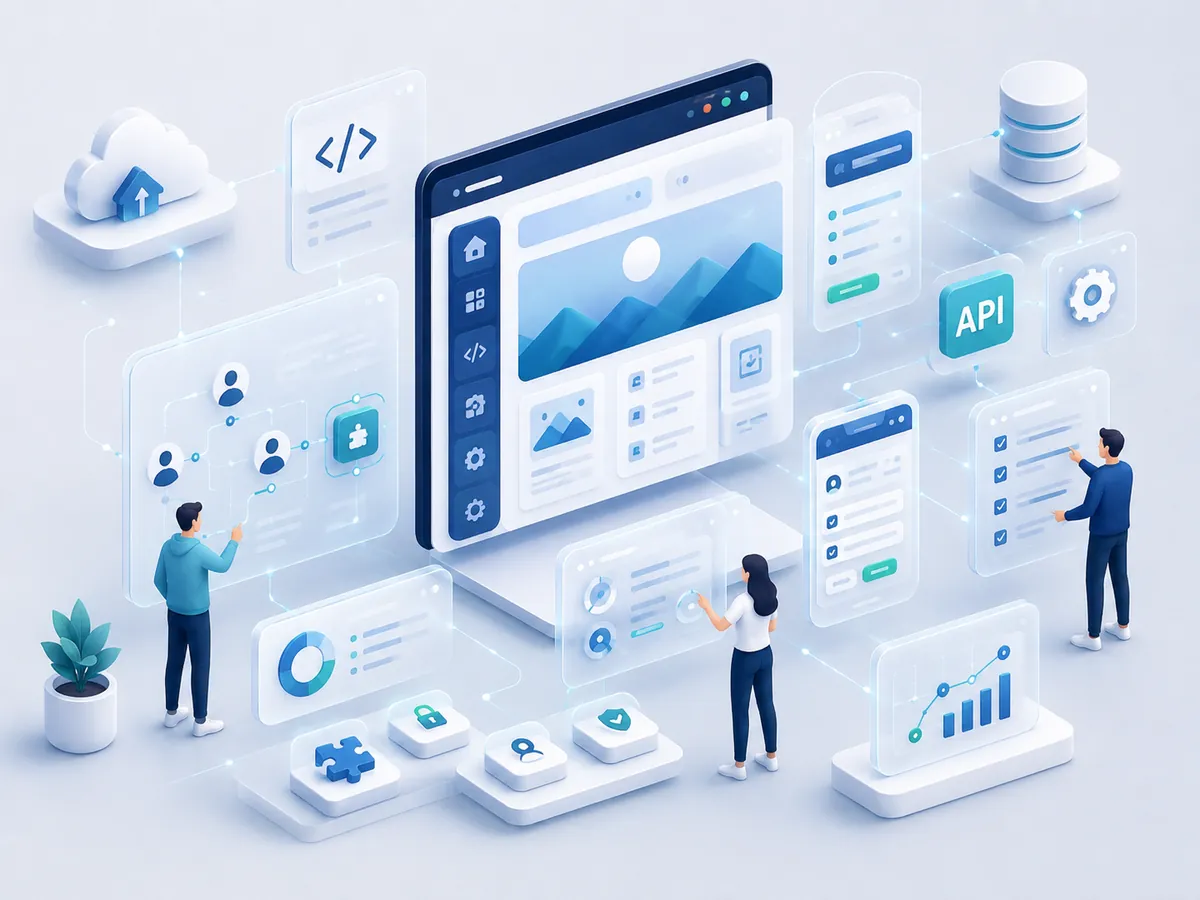
Less browsing. More action.
Web-app prospects often arrive with a specific workflow problem; the page keeps the use case, product logic and discovery call close together.
A product-discovery page that makes complex software easier to discuss.
The objective is to translate a complex product idea into a clear discovery conversation about users, workflows, data and implementation risk.
Conversion-first structure
A clearer product narrative, relevant technical proof and one discovery action reduce confusion around complex custom builds.
Confidence and clarity
Product examples, workflow thinking and a structured brief help technical prospects provide better context before the first call.
A reusable growth page
The page can support SaaS outreach, product discovery campaigns and custom-software referrals without forcing a technical prospect through generic service copy.
Projects that benefit from a more direct sales path.
It is strongest when the visitor already has a workflow, portal, dashboard or SaaS requirement and needs a capable development conversation.
Choose the scope that matches the campaign.
Scope depends on the product story, screenshots or diagrams, qualification fields, integrations, analytics and how technical the audience is.
Focused single offer page
A concise discovery page for one product idea, one workflow problem and a direct consultation request.
Expanded lead-generation page
Adds workflow examples, architecture context, integration detail, FAQs and more qualification for complex product builds.
Campaign system or multi-page funnel
Useful when SaaS, portals, dashboards or internal-tool campaigns need separate messages for different buyers and use cases.
Questions clients usually ask first.
These answers help remove hesitation before the inquiry step.
Yes. Real product visuals, diagrams or case-study sections can be added once they are available.
No. Any business needing a dashboard, portal or web-based product can use this route.
Yes. The current flow can later be integrated with other systems.
Yes. The landing experience can use the same visual system as the main site while simplifying navigation and emphasizing the product inquiry path.
Need this built for your business?
Describe the users, workflow and product problem you need to solve. We will use that context to shape a practical web-application discovery plan.